

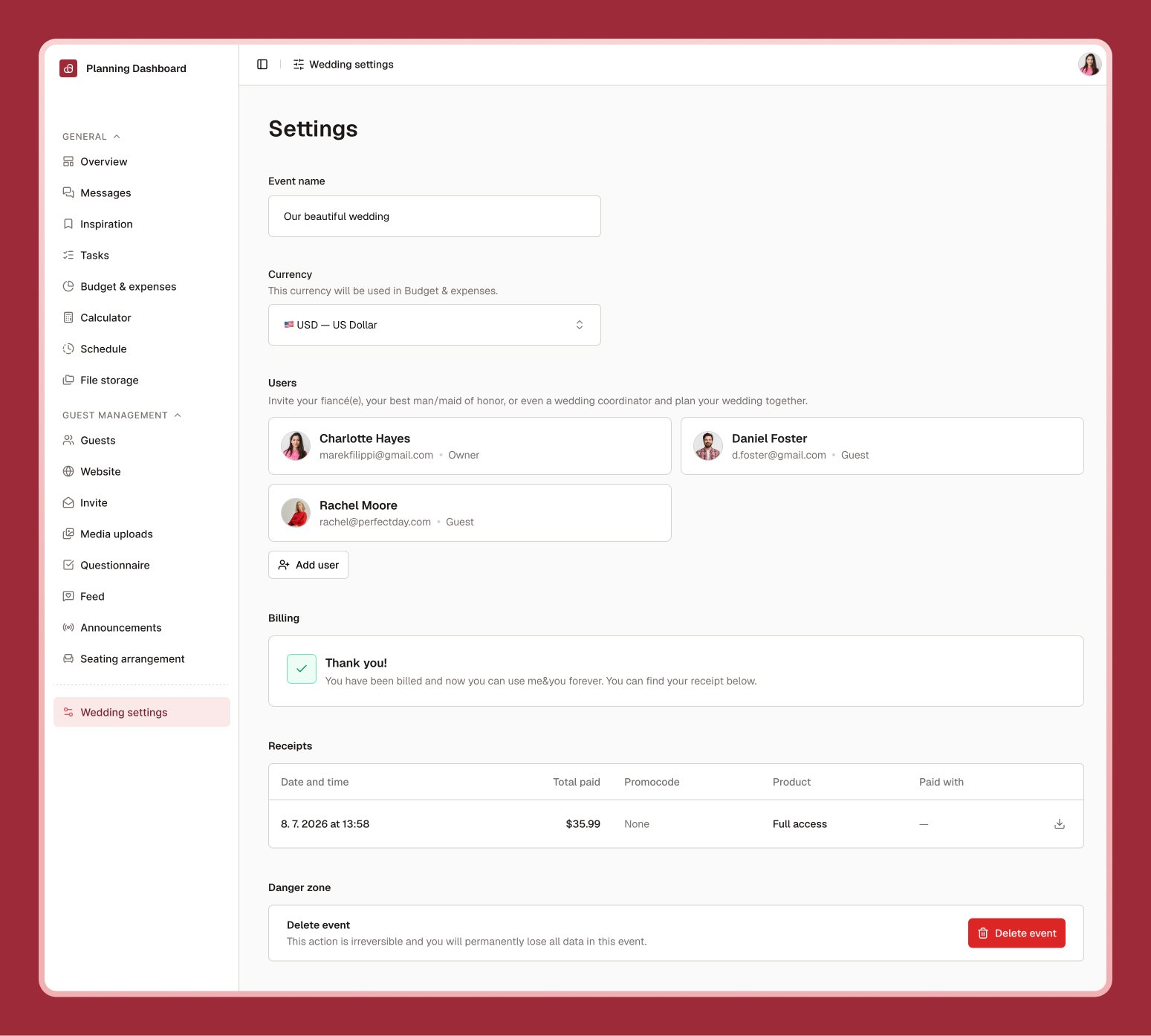
Wedding details
Update your wedding’s name and preferred currency here. If you change currency after adding budget items, you’ll be offered the option to convert existing amounts to the new currency.Inviting co-planners
Under Users, select Invite and enter an email address to bring your partner or anyone else into the planning process. They’ll get an email invitation and, once accepted, can see and edit your wedding just like you can (with the exception of billing, which stays with the owner). You can remove a member or cancel a pending invite anytime.Your trial, plan, and billing
Every new wedding starts with a 30-day free trial with full access to every feature — no credit card required to begin. You can add your payment details at any time during the trial; you won’t be charged until the trial ends, when a one-time payment unlocks full access permanently. me&you has no recurring subscription — just that single purchase when you’re ready to continue after your trial. That one plan includes everything: planning tools, your wedding website, digital invitation, questionnaire, media uploads, announcements, and more.If your trial ends before you’ve added payment details or completed your purchase, you’ll still be able to open your wedding, but most features will be locked behind a short upgrade prompt until you pay.