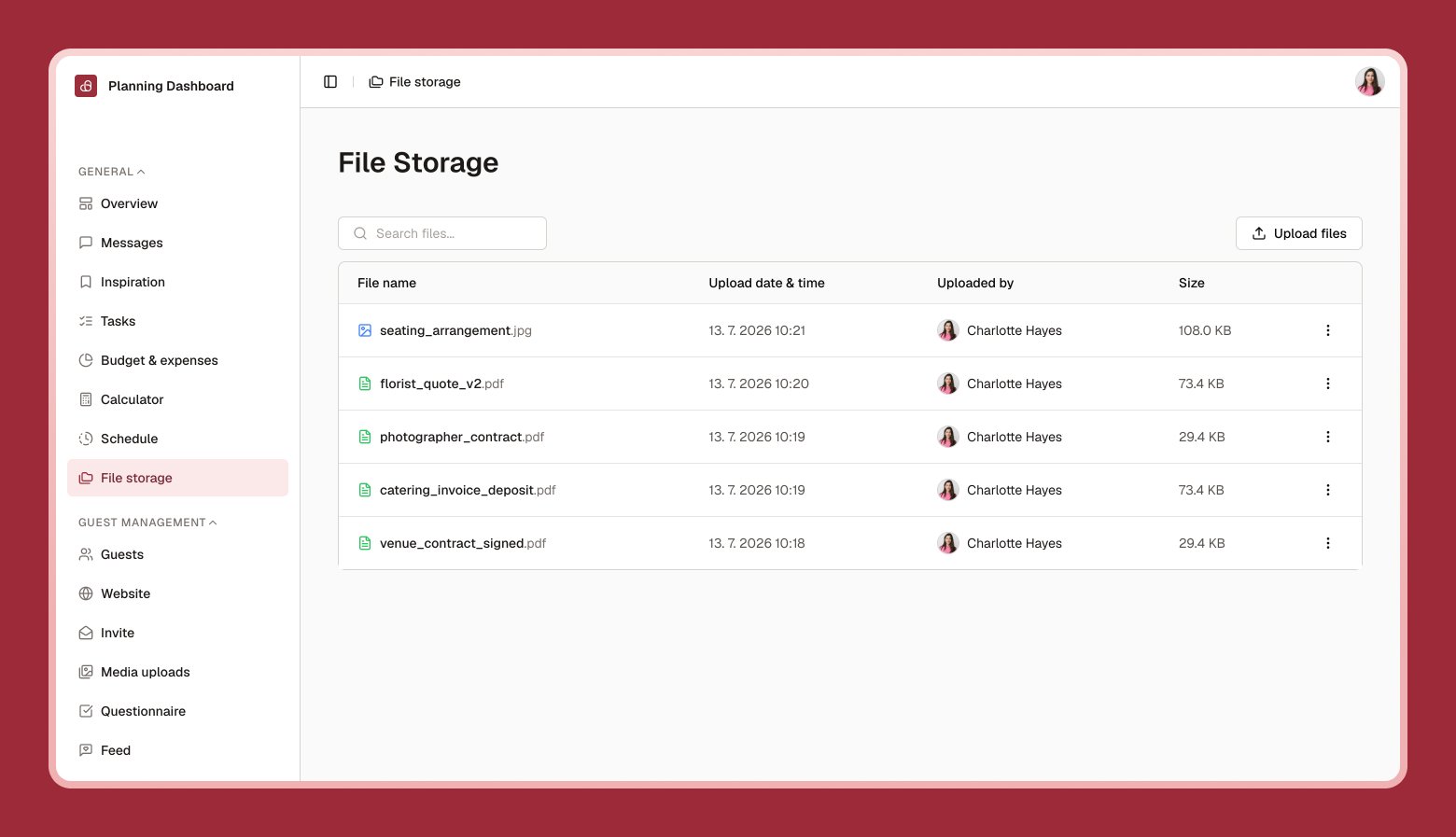
File storage is a shared folder for anything you don’t want to lose in your email — venue contracts, invoices, inspiration PDFs, and more.
File storage page with a list of uploaded documents, showing file name, uploader, and date
1

Select Upload

Choose one or more files from your device.
2

Find it later

Use search, or browse the list — each file shows who uploaded it and when.
3

Download or delete

Select a file to download it, rename it, or remove it if you no longer need it.
Anyone you’ve invited to co-plan with you can see and add files here — it’s a shared space, not a personal one.