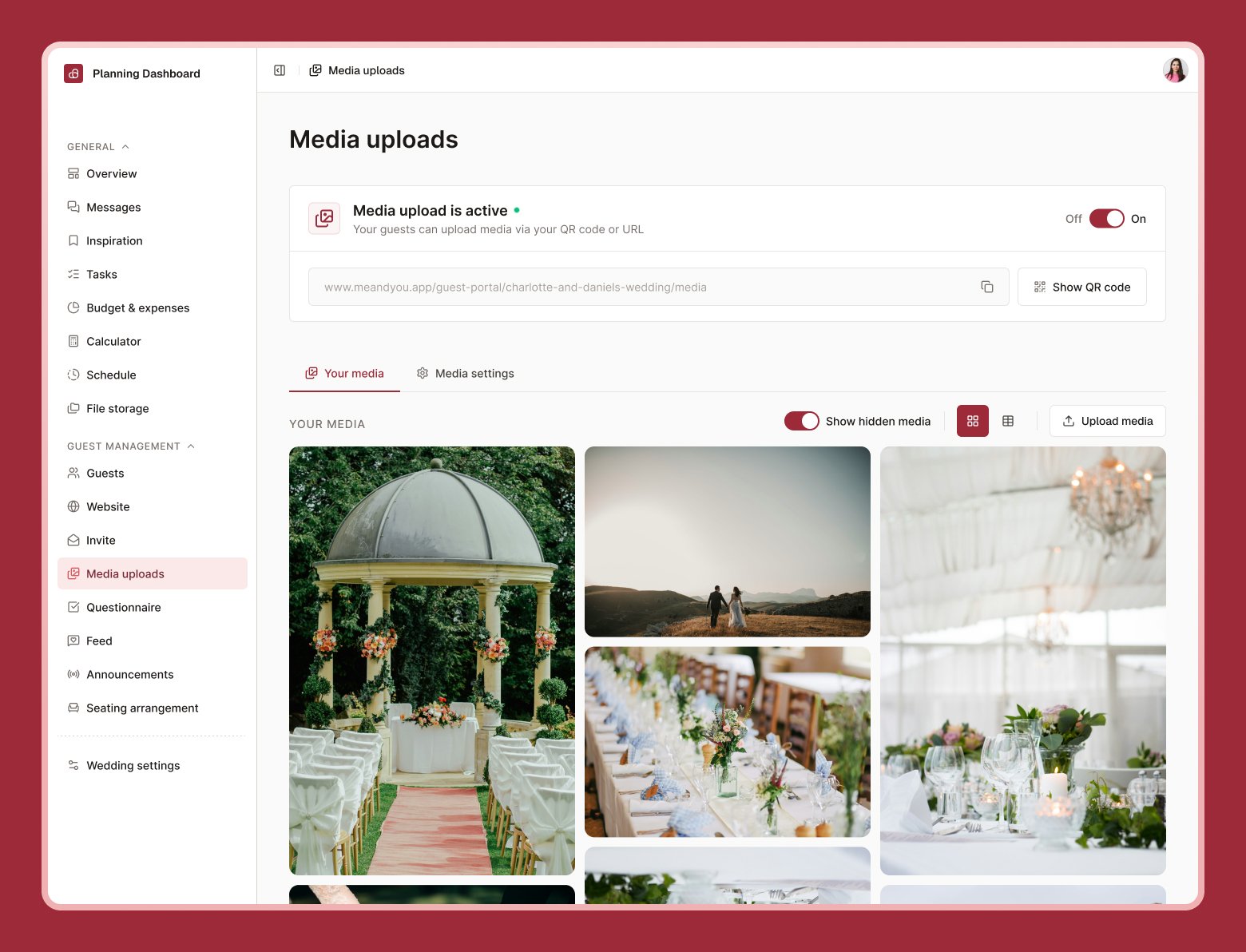
Guest media uploads are available on paid plans, after your trial ends.
Ask your guests to share their own photos and videos from the wedding — all in one gallery, without needing a dozen separate group chats.
Media uploads settings tab with the On/Off toggle, QR code, and upload window options

Turning it on

1

Go to Media uploads

Under Setting up your guest experience, then open the Media settings tab.
2

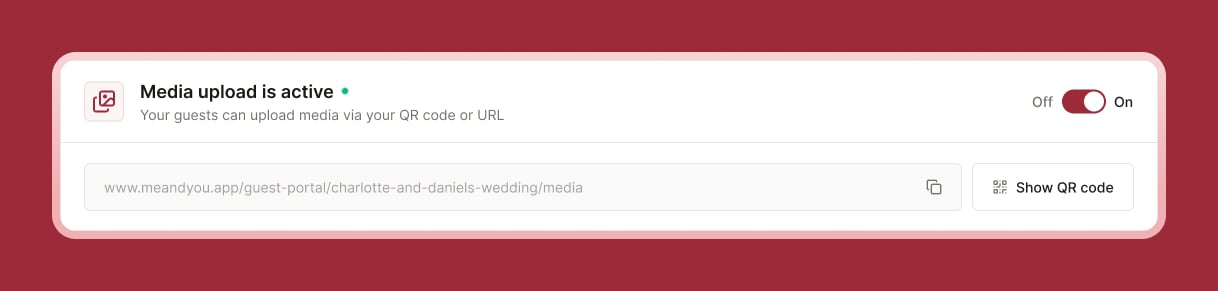
Turn the toggle On

This makes the upload page available to guests.
3

Choose what's allowed

Photos, videos, or both — and set a maximum file size.
4

Set an upload window

Choose how long uploads stay open after your wedding date — from one week to unlimited.

Sharing access with guests

Select Copy URL or show the QR code — print it on a table sign, or share the link directly. Guests will need to sign in to upload (so files can be tied to who sent them), but they don’t need to do anything else in me&you.

Reviewing uploads

Browse everything guests have shared in the Your media tab. You can hide or download individual files whenever you like.
Running low on storage? You can purchase additional storage from the Media settings tab.