Announcements are available on paid plans, after your trial ends.
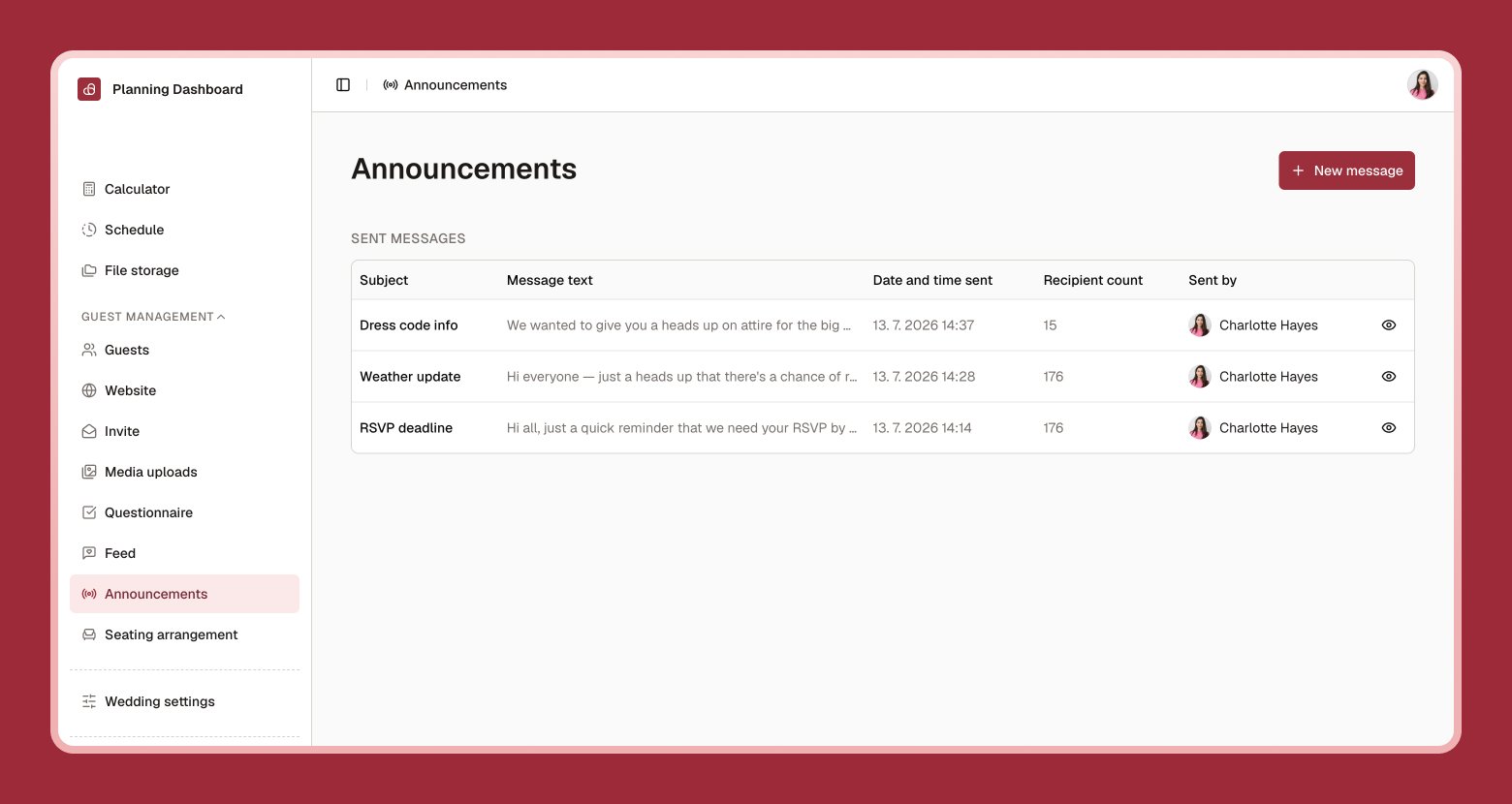
Announcements let you email all of your guests at once — a change of venue, parking instructions, or a heartfelt thank-you after the big day.
Announcements page showing a compose box with subject and message, and a history of previously sent messages
1

Select New message

Write a subject line and your message.
2

Choose your recipients

Send to everyone on your guest list, or select specific guests.
3

Post to the feed too (optional)

Turn this on to also share the update on your guest feed.
4

Send

Your message goes out by email right away.

Reviewing past announcements

Every announcement you’ve sent stays in your history, and you can select Resend to send it again — handy for reminders.
Announcements only reach guests who have an email address on file, so it’s worth double-checking your guest list is complete first.