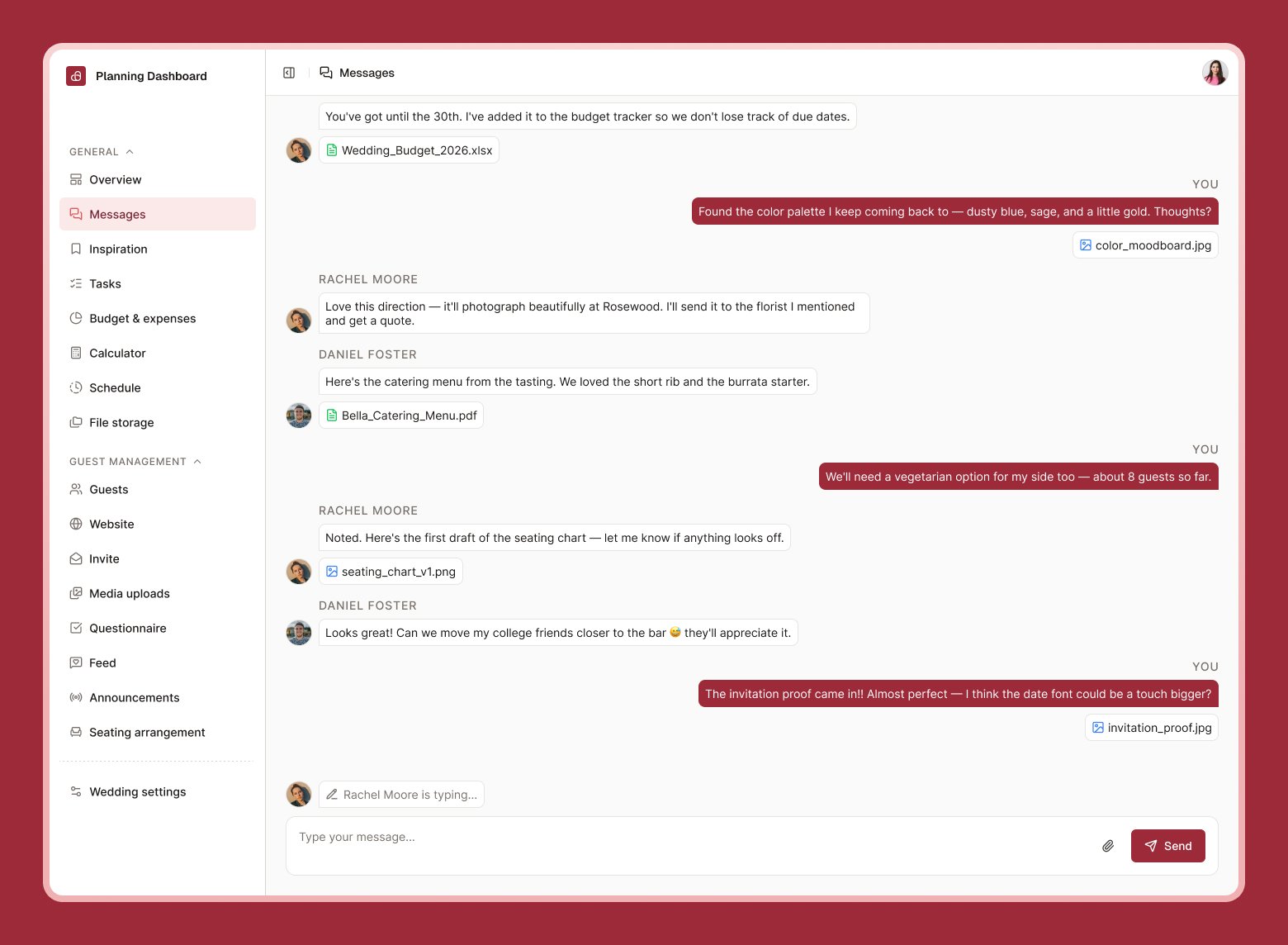
Messages is a private chat for everyone planning your wedding together — you, your partner, and any co-planners you’ve invited.
Messages screen showing a conversation between planners with a file attachment

Sending a message

Type in the box at the bottom and press enter, or select the send button. You can also attach files — up to 10 at a time, 10 MB each — which is handy for sharing contracts, mood boards, or photos with the people helping you plan.

Editing and deleting

You can edit or delete your own messages after sending them. Select the message, then choose Edit or Delete.

Who can see this

Only people you’ve invited to co-plan your wedding can see and send messages here — guests never see this. To invite someone, go to Wedding settings, plan & billing.
Read receipts show who’s seen each message, so you’ll know if your co-planner has caught up.