

1
Select Forgot your password?
On the sign-in page, select Forgot your password?
2
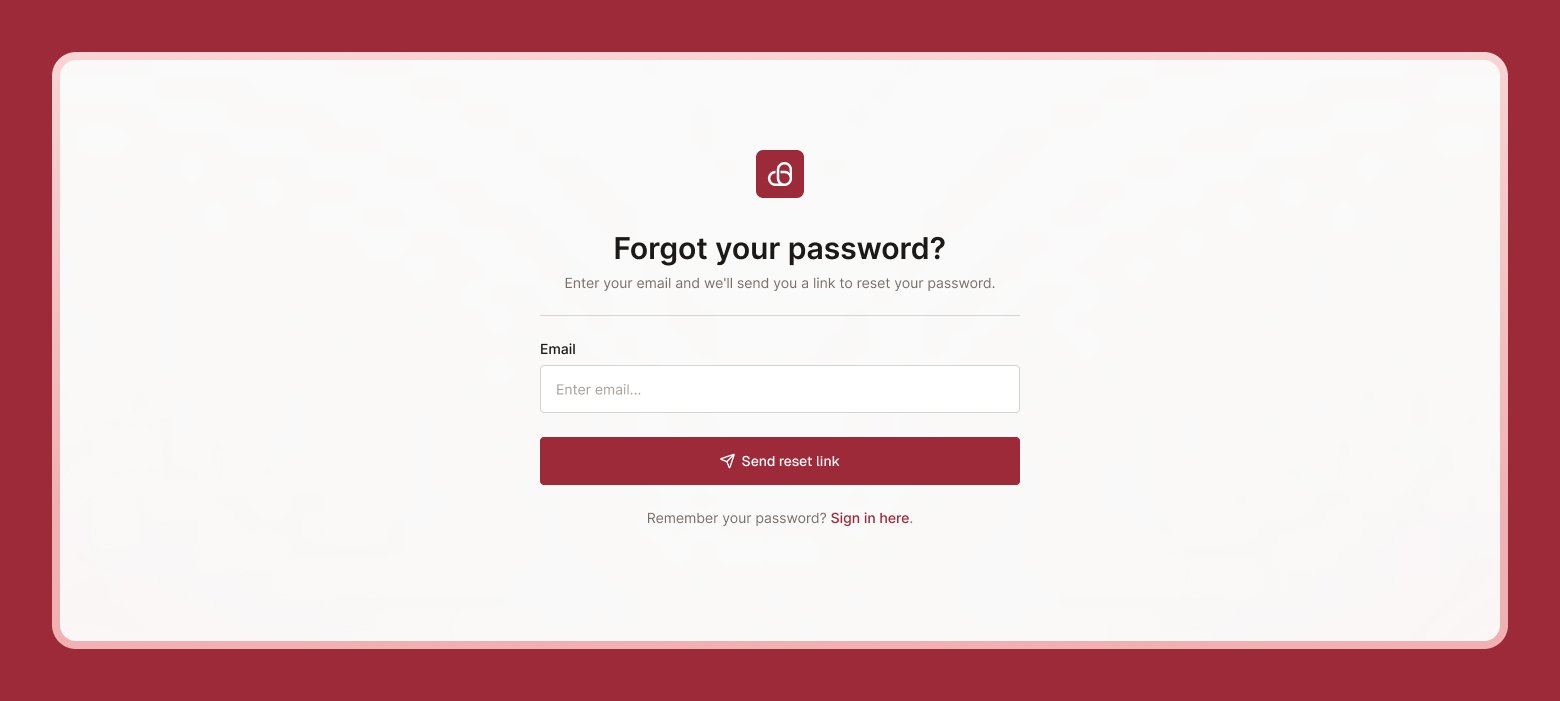
Enter your email
Type the email address you use for me&you and select Send reset link.
3
Check your email
You’ll see a Check your email message. If an account exists with that address, we’ll send instructions to reset your password.
4
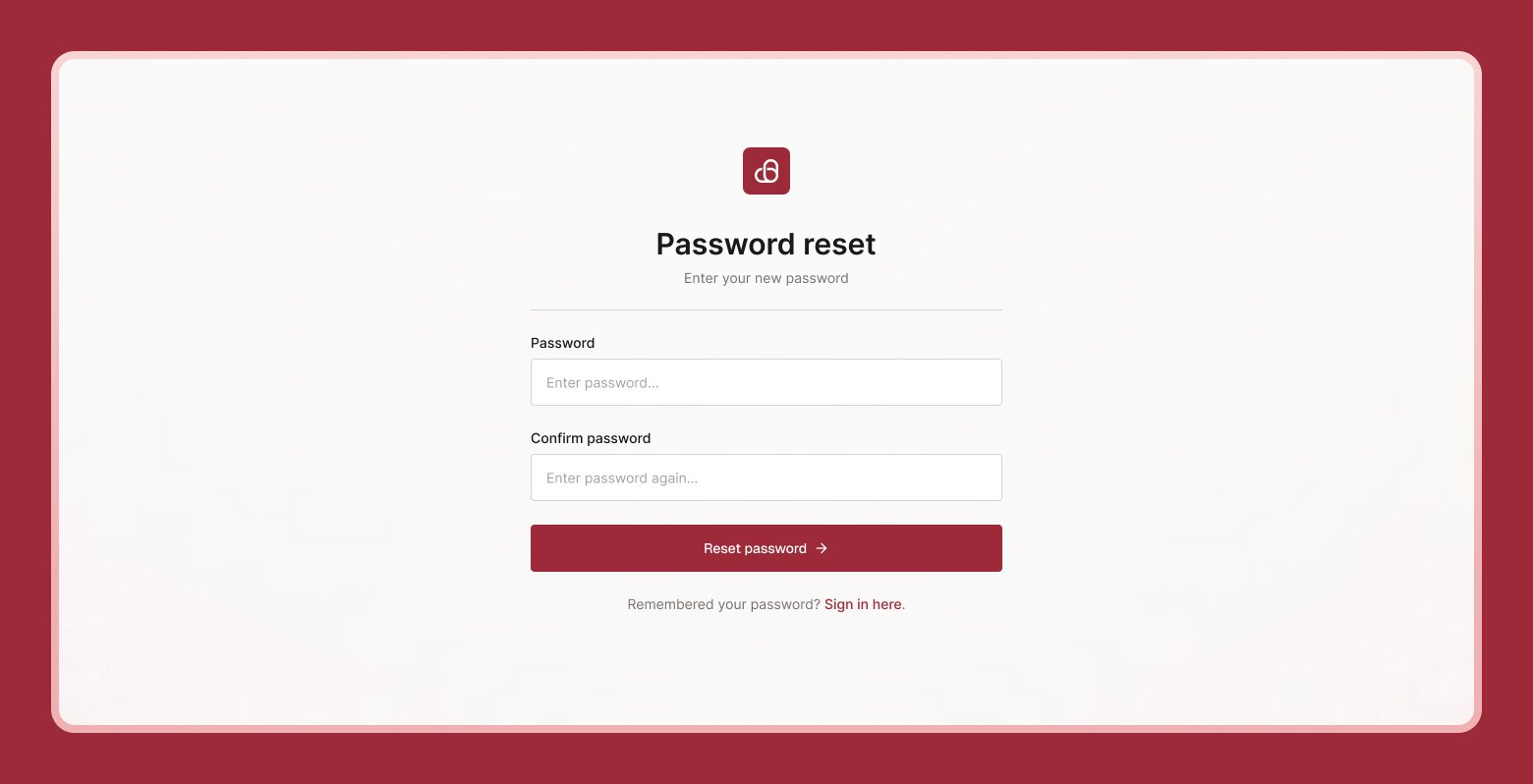
Open the link and set a new password
Click the link in the email, then enter and confirm a new password on the Reset Password screen.
This is different from changing your password while you’re already signed in. To do that instead, see Password & security.