

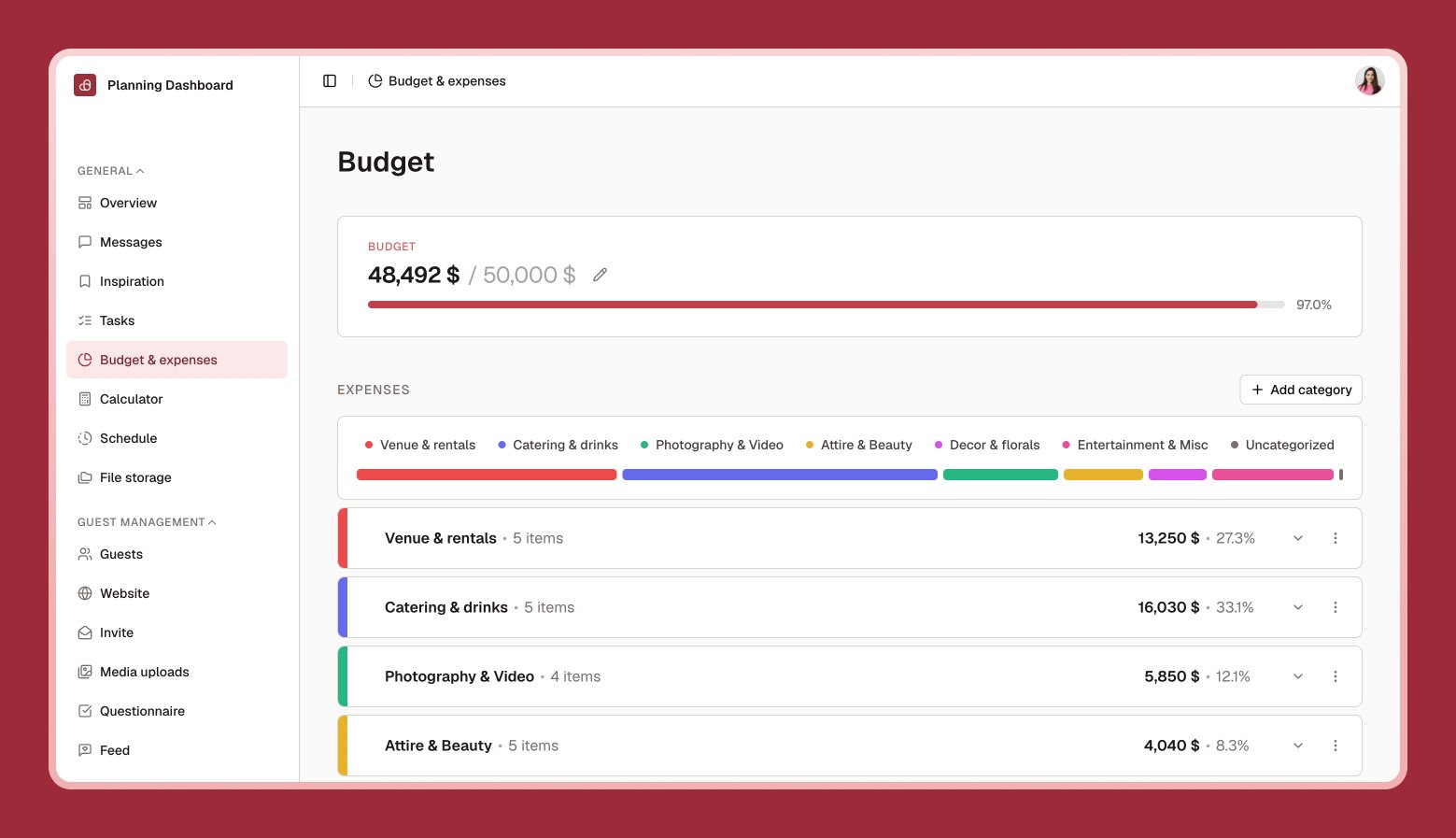
Setting your total budget
Select Edit budget icon and enter the total amount you’d like to spend. You can change this anytime as your plans evolve.Organizing with categories
Group expenses into categories — venue, catering, attire, and so on — each with its own color so your budget chart is easy to read at a glance. Add, rename, or reorder categories by dragging them.Adding expenses
1
Choose a category
Or create a new one.
2
Select New expense
Give it a name and amount.
3
Choose fixed or per-person
A per-person expense (like catering) automatically scales with your guest count.