

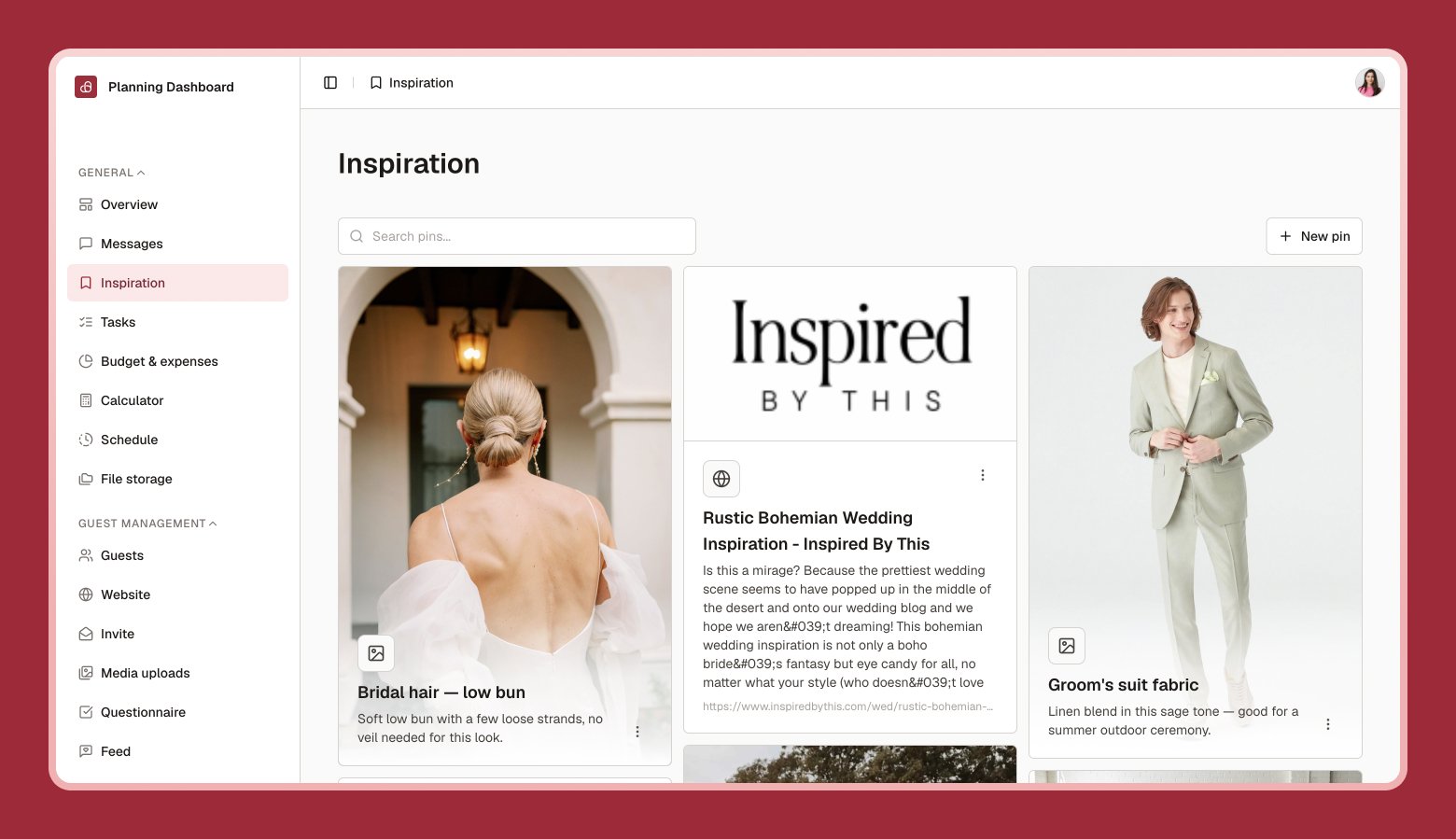
Adding a pin
1
Select New pin
Choose the type: URL, Photo, or Note.
2
Add your content
Paste a link, upload a photo, or write a quick note about an idea.
3
Save
Your pin appears on the board, ready to browse anytime.
Save wedding ideas, photos, and links in one place before deciding on your style.
Select New pin
Add your content
Save