Adding recommended tasks
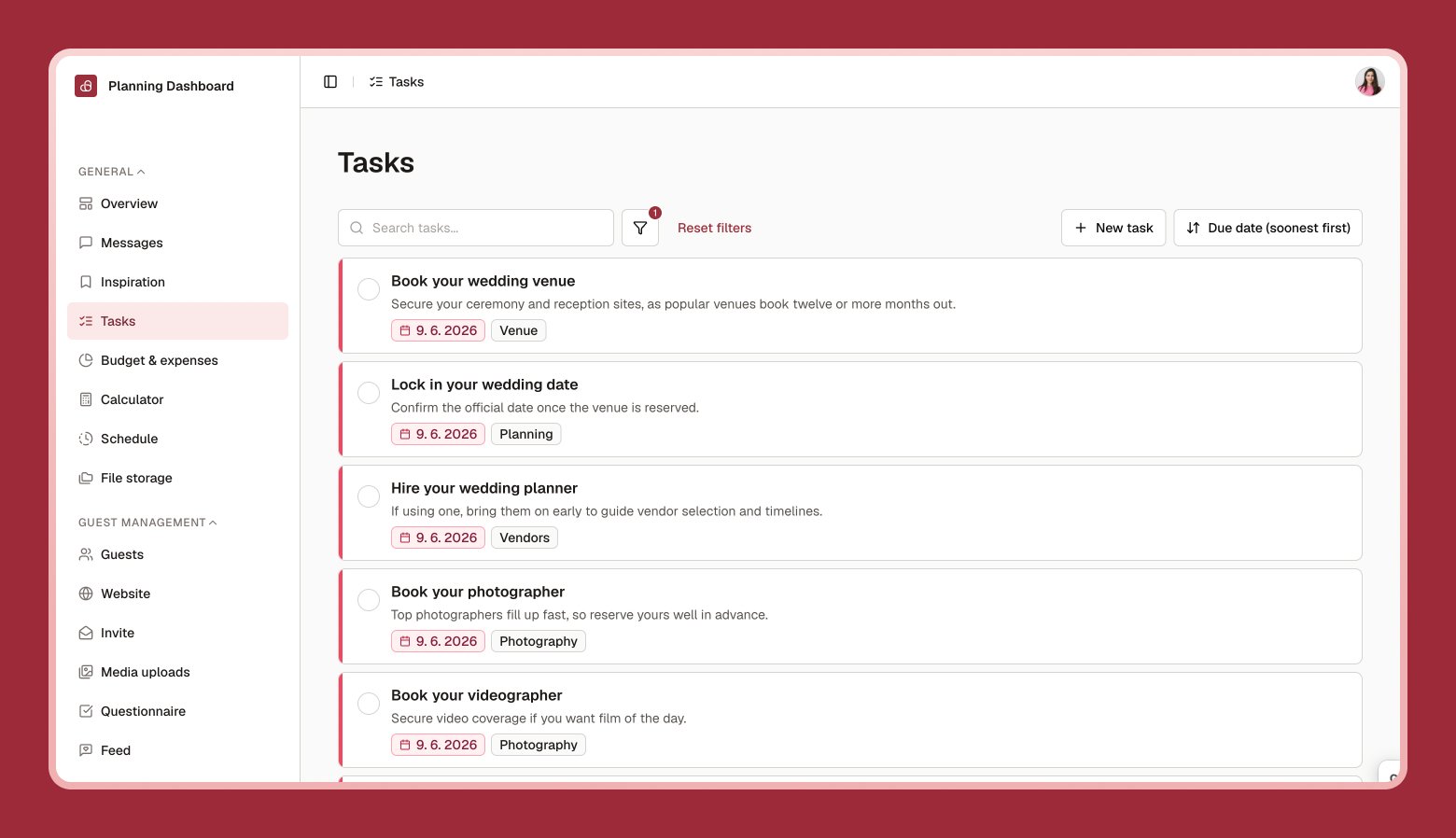
Not sure where to start? Select Add recommended tasks to bring in a curated set of common wedding to-dos, with due dates calculated automatically from your wedding date.Recommended tasks need a wedding date to calculate due dates. If you haven’t set one yet, you’ll be prompted to add it first — see Overview.
Adding your own tasks
1
Select New task
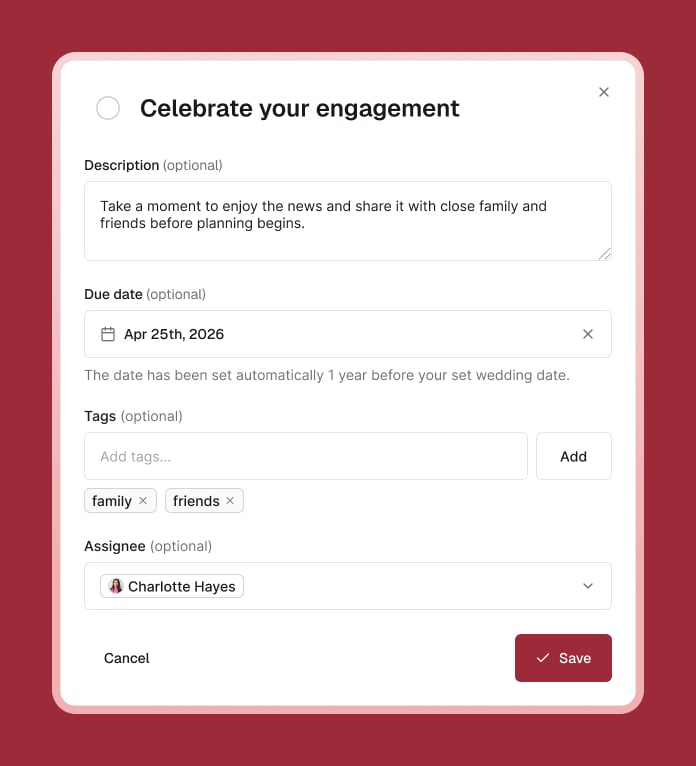
Give it a name and, optionally, a due date, tags, and an assignee.
2
Save
Your task appears in the list.
3
Check it off when done
Select the checkbox next to a task to mark it complete.
Finding what you need
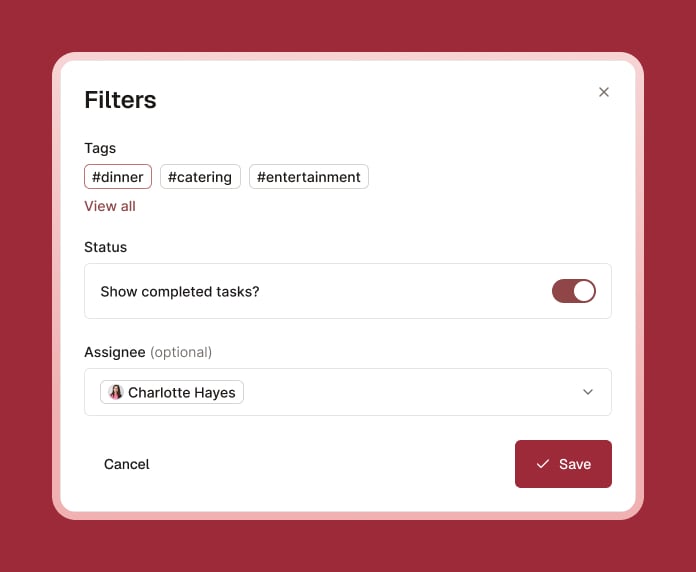
Use search, filters (by tag, status, or assignee), and sorting to manage a long list as your wedding gets closer.