The questionnaire is available on paid plans, after your trial ends.
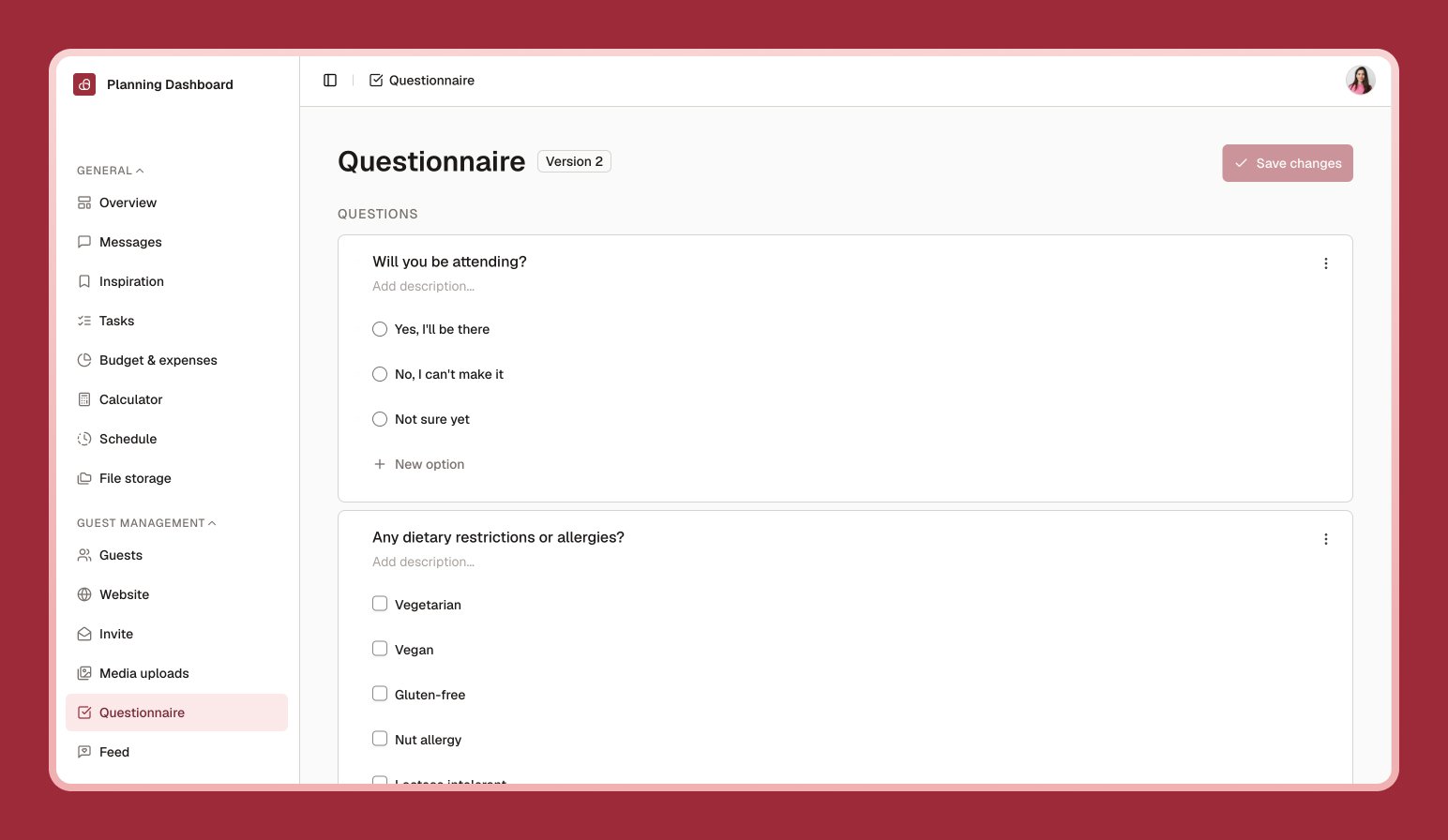
The questionnaire is what me&you calls your RSVP form — the questions guests answer when they respond to your invitation. It can be as simple as “Will you attend?” or as detailed as meal choices and song requests.
Questionnaire editor with a list of questions including single-choice and free-text types

Building your questionnaire

1

Turn the questionnaire On

Found at the top of the Questionnaire page.
2

Select Add question

Choose a type: free text, single choice, or multiple choice.
3

Write your question and options

For choice questions, add each option guests can pick from.
4

Reorder and save

Drag questions into the order you’d like, and show or hide any as needed.

Sending it to guests

From your guest list, select Send RSVP to email your guests a link to fill it in. You can also copy a link for an individual guest if you’d rather send it yourself.

Reading responses

Answers show up back on your guest list — each guest’s row reflects their RSVP status and answers, so you can see at a glance who’s responded and who hasn’t.
You need either an active invitation or an active questionnaire before you can send RSVP emails — having both is common, since the invitation links straight into the questionnaire.