Before you can start planning, you’ll need an account. It only takes a minute.

Sign up with email

1

Go to the sign up page

Open me&you and select Sign Up.
2

Enter your details

Fill in your email, a password, and confirm the password. Your password needs to be at least 6 characters.
3

Create your account

Select Create Account. By doing this, you agree to our Terms and Conditions and Privacy Policy.
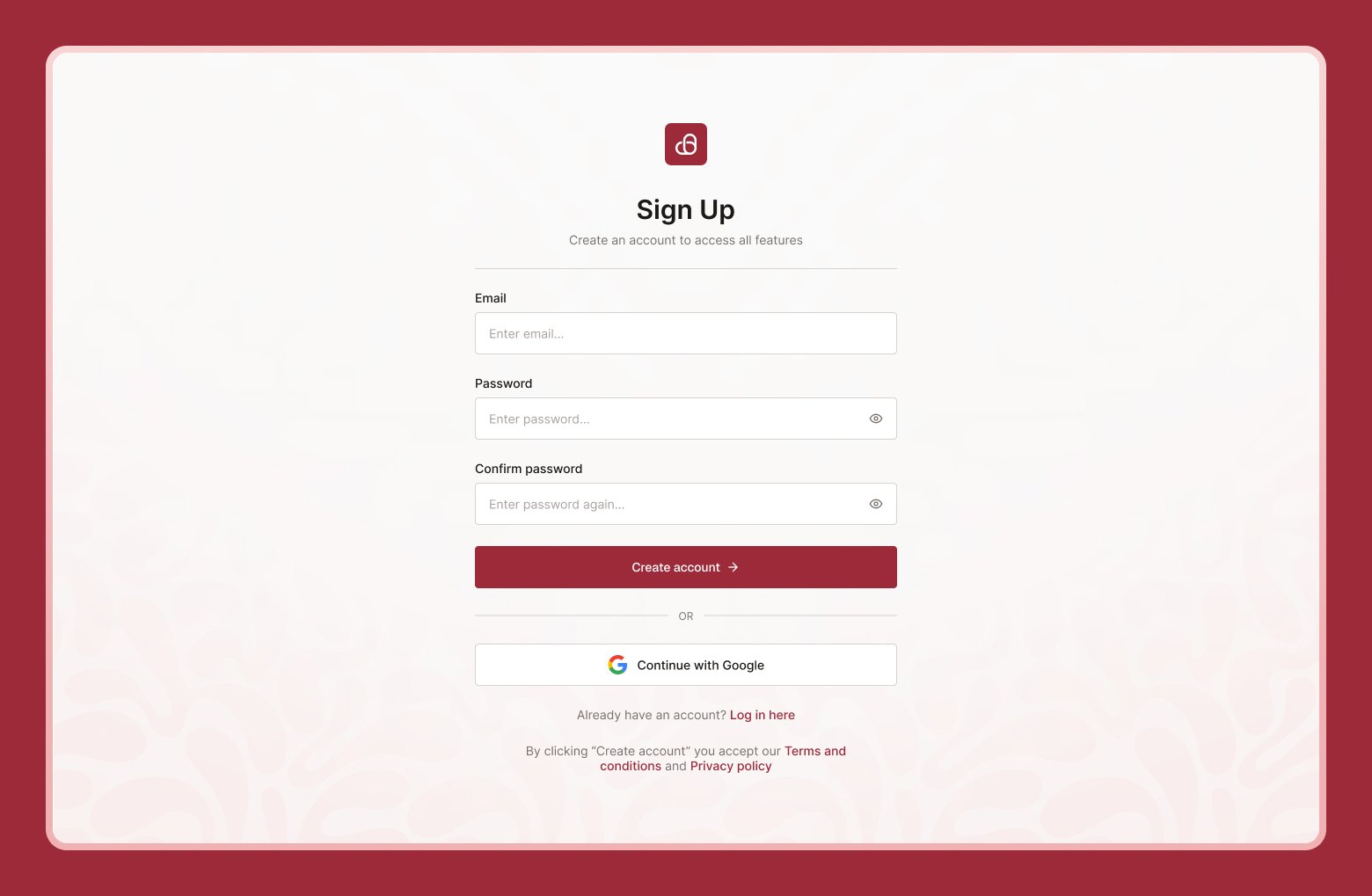
Sign up screen with email, password, and confirm password fields

Sign up with Google

Prefer not to create a new password? Select Continue with Google on the sign-up page instead, and choose the Google account you’d like to use. You’ll skip the password step entirely.

What happens next

After you sign up with email, we send a confirmation email to the address you entered. You’ll need to click the link in that email before you can sign in — see Verifying your email & finishing your profile. If you signed up with Google, your email is already verified, so you can skip straight to finishing your profile.
Already have an account? Head to Signing in instead.