Confirming your email
If you signed up with email and password, we send a confirmation link to your inbox right away. You’ll see a “Thank you for signing up!” message asking you to check your email.1
Open the confirmation email
Look for an email from me&you. Check your spam folder if you don’t see it within a few minutes.
2
Click the confirmation link
This takes you back to me&you and confirms your email address.
3
Sign in
You can now sign in with the password you chose when signing up.
If you signed up with Google, your email is already verified — you can skip this part.
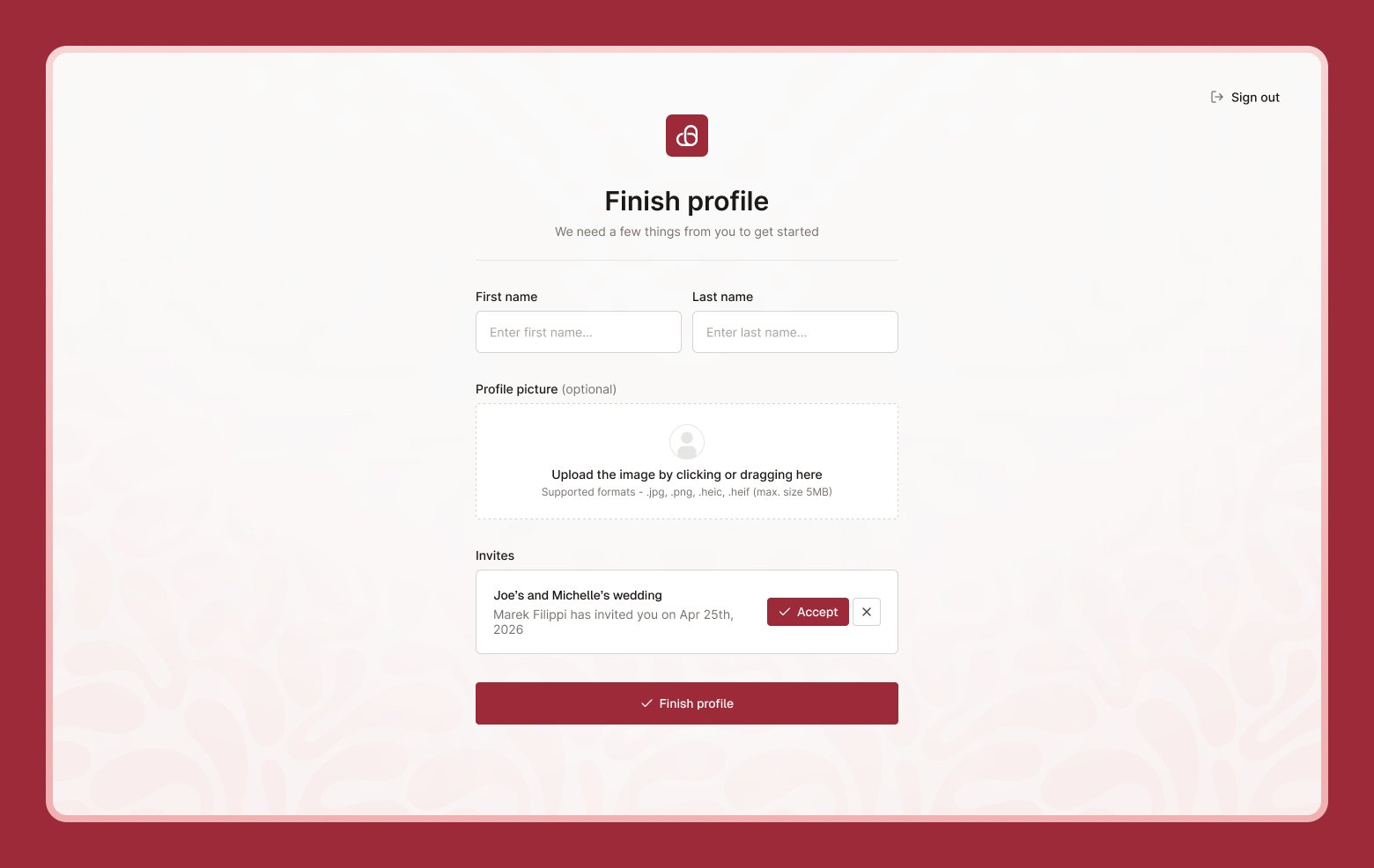
Finishing your profile
The first time you sign in, we’ll ask you to complete your profile before you can continue:- First name and last name (required)
- Profile picture (optional) — drag a photo in, or click to upload. PNG, JPG, HEIC or HEIF up to 5MB.