> ## Documentation Index
> Fetch the complete documentation index at: https://docs.meandyou.wedding/llms.txt
> Use this file to discover all available pages before exploring further.
# Schedule
> Build a day-by-day timeline for your wedding, from ceremony to reception.
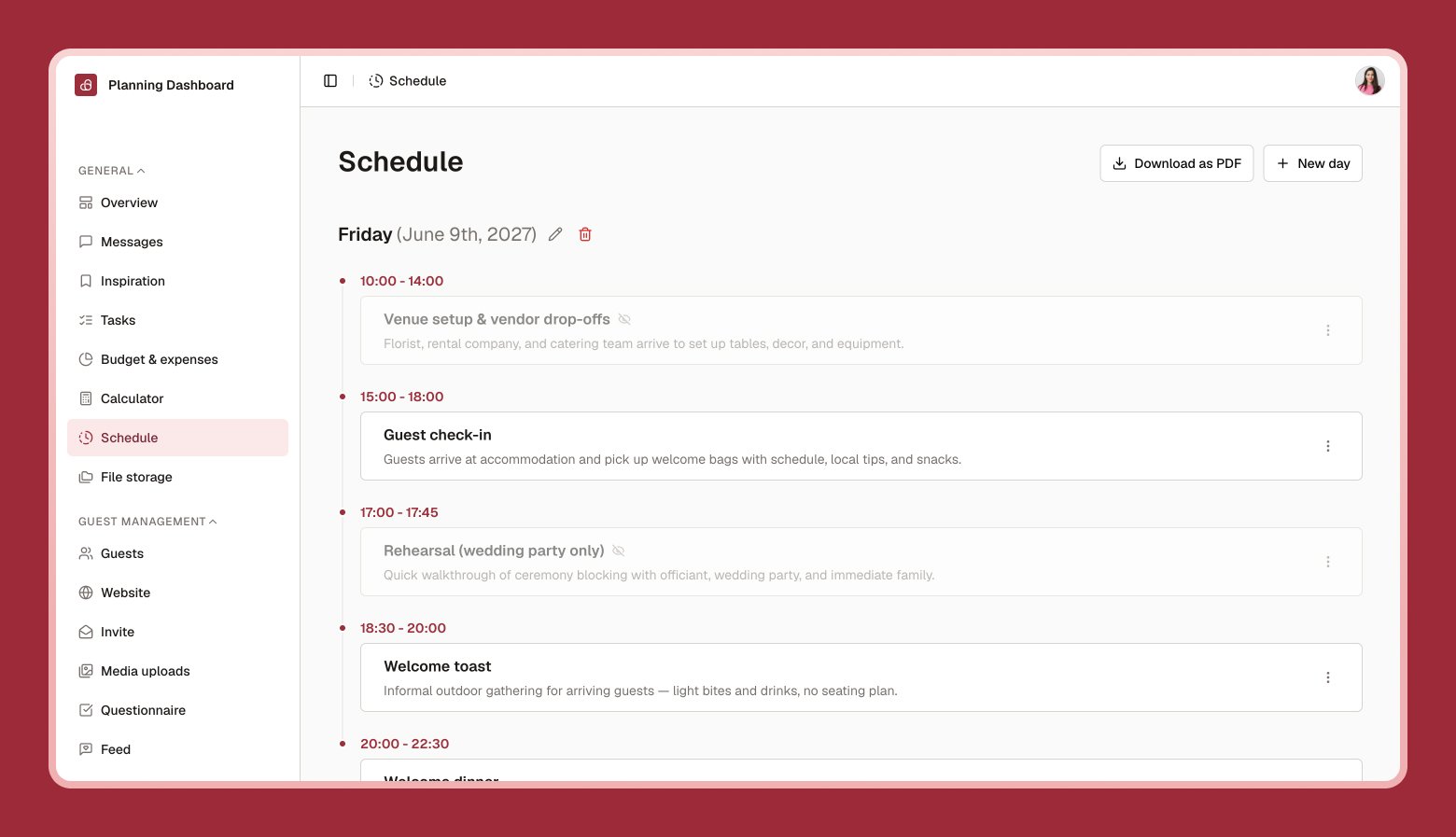
**Schedule** is where you build the run of your wedding — or wedding weekend — minute by minute.
 ## Adding a day
If your wedding spans more than one day (a rehearsal dinner the night before, for example), select **New day** and optionally attach a calendar date.
## Adding items
Give it a name, like "Ceremony" or "First dance."
Add a start and end time.
Any detail worth remembering — dress code, location, or reminders for yourself.
## Public vs. hidden items
Each item can be shown or hidden. Visible items can appear on your [wedding website](/guest-experience/wedding-website)'s schedule section, so guests know what to expect — hide anything you'd rather keep just for yourselves and your vendors.
Select **Download** anytime to export your full schedule as a PDF, with the option to include or exclude hidden items.
## Adding a day
If your wedding spans more than one day (a rehearsal dinner the night before, for example), select **New day** and optionally attach a calendar date.
## Adding items
Give it a name, like "Ceremony" or "First dance."
Add a start and end time.
Any detail worth remembering — dress code, location, or reminders for yourself.
## Public vs. hidden items
Each item can be shown or hidden. Visible items can appear on your [wedding website](/guest-experience/wedding-website)'s schedule section, so guests know what to expect — hide anything you'd rather keep just for yourselves and your vendors.
Select **Download** anytime to export your full schedule as a PDF, with the option to include or exclude hidden items.